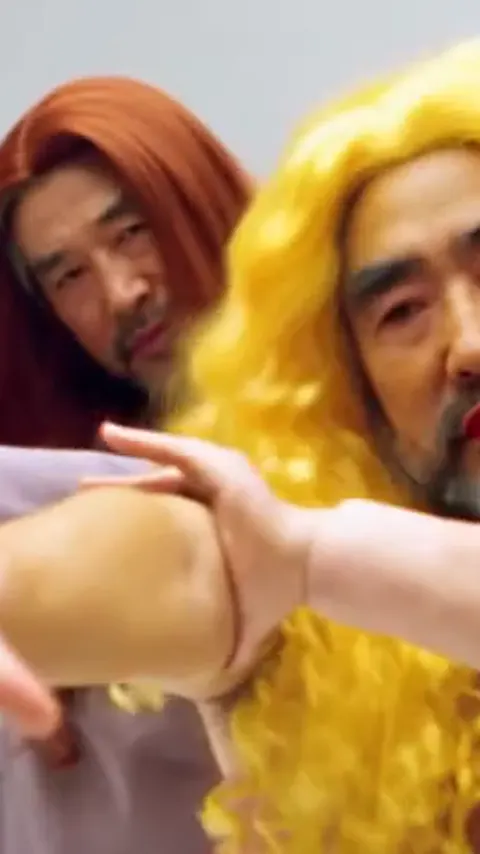
The comedy cut: both of you in big costume wigs and dresses, dead serious.. A bright seamless light grey photo studio with a glossy floor and soft even light.
Updated Oct 19, 2026 · By the A2O Lite Neon AI team
Generator
Make your a2o lite neon ai video
Three choices and one tap. The choreography, the timing and the prompt are already built.
Wig Parody Duo is for the meme side of the trend. In Korea the NEON intro went viral partly through parodies, with middle-aged actors and cartoon characters doing it with total commitment. This dance keeps your faces and adds long costume wigs and plain dresses, then plays the intro completely straight. It works best with friends, dads and anyone who would never actually dance like this.
Tips for the wig parody duo
Keep a straight face in your photo: deadpan expressions make the parody funnier.
Beards and glasses are kept, which is half the joke.
The wig and dress replace your outfit in this dance only; the other dances copy your clothes.
What is already set for you
The subject: the two people from the photos wearing long costume wigs (one curly blonde, one straight auburn) and simple plain dresses over their build, keeping their own faces, skin tone and any facial hair.
The scene: a bright seamless light grey photo studio with a glossy floor and soft even light.
The timing: Every dance runs 15 seconds on the NEON intro: the high kick lands around second 11, and the clip ends on the rush to the camera.
White Studio Duo: the classic look of the trend: two of you in a bright, empty white studio.
Museum Gallery: do the neon intro between gold frames and marble in a grand art gallery.
Dream Carnival: a surreal funfair under a blue sky: rides, giant balloons and green lawn.
Solo Park: no partner? dance the neon intro alone on a leafy park path.
Kitten Duo: two pets stand up and do the duo intro on a purple stage.
Questions
FAQ
How do I make the a2o lite neon ai video with the wig parody duo dance?
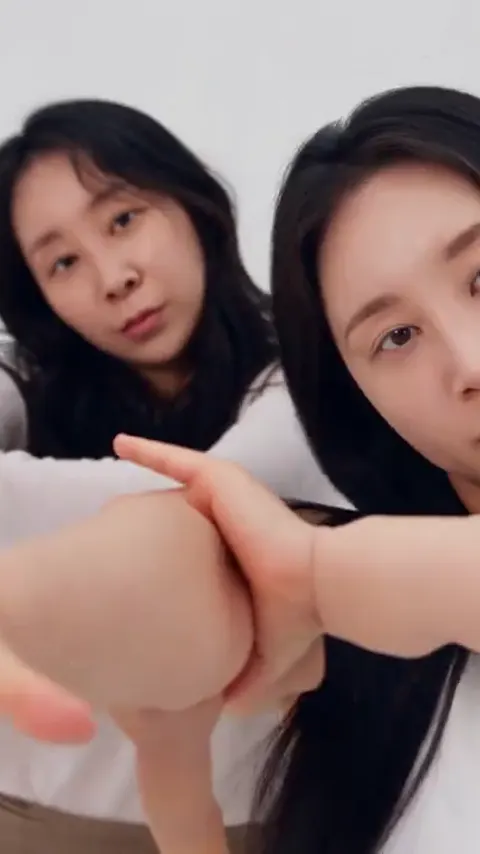
On A2O Lite Neon AI, upload your photo (one per person on a two-person dance), select the Wig Parody Duo dance and generate the a2o lite neon ai video. It is set in a bright seamless light grey photo studio with a glossy floor and soft even light.
What does the wig parody duo look like?
On A2O Lite Neon AI, the wig parody duo is the two people from the photos wearing long costume wigs (one curly blonde, one straight auburn) and simple plain dresses over their build, keeping their own faces, skin tone and any facial hair. It is a generic design with no brand marks.
Will the wig parody change my face?
No. In the A2O Lite Neon AI wig parody only the hair and clothes are swapped for costume wigs and dresses; each face, skin tone and beard comes from your own photo. If either face drifts, A2O Lite Neon AI suggests sharper front-facing photos or the Pro model.