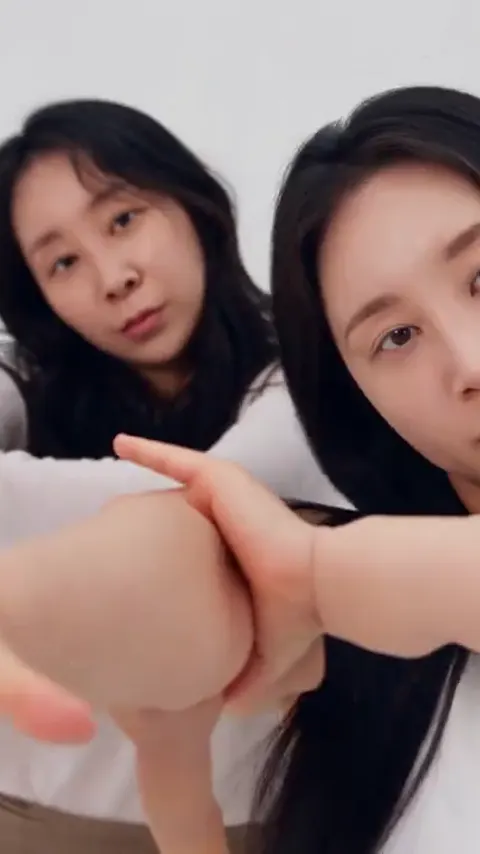
To make the a2o lite neon ai video, upload two photos (or one photo of both dancers) to A2O Lite Neon AI, pick a dance and a format, and generate. There is no prompt to write and nothing to edit. The render takes about four minutes. Open the generator.
Four steps on this site
1. Pick clear photos
Two dancers need two photos, one per person, or one photo showing both. Solo Park takes one photo, and Kitten Duo takes one photo per pet. Whatever you wear in the photo is what you wear in the video.
2. Choose the dance and the format
Pick one of 6 dances. Choose 9:16 for TikTok, Reels and Shorts, 1:1 for a square post, or 16:9 to match the wide shot of the original. Resolution is 480p, 720p or 1080p depending on the model you pick.
3. Generate and download
The clip is 15 seconds long and comes with the NEON intro audio. A standard render (Standard model, 720p) costs 10 credits, and the Single pack is $6.99. Download the MP4 when the render finishes. If a render fails or is blocked, the credits come back.
4. Post it
Upload the MP4 to the app you post to. If you want the official sound, add it from the app's library as well, because platforms can mute copyrighted audio in an upload.
Why not do it by hand?
Doing it yourself means finding a reference clip you have the right to use, paying for an AI video account, supplying the right inputs, and then paying again for each attempt, because two dancers, a hidden partner and a hand wiping across the lens are exactly what video models get wrong. Most first tries need several renders. On A2O Lite Neon AI that work is done once, inside each dance.
| A2O Lite Neon AI | By hand | |
|---|---|---|
| What you supply | Two photos (or one of both) | Photos, a motion reference, a prompt, settings |
| Prompt writing | None | Long, tuned by trial |
| Sound | NEON intro audio added | Added separately |
| Typical failures | Handled in the template | Swapped faces, hair bleeding between dancers, a ghost of the hidden partner, a kick off the beat |
| Cost of a miss | Failed or blocked renders return credits | Every bad attempt is paid for |
Photo tips that change the result
- One face per photo for two separate photos; for a single photo of both, keep you both fully visible and facing the camera.
- Give the two dancers clearly different looks (hair, clothes) so the model does not blend them.
- Show the whole upper body, ideally head to knees, for the high kick.
- Use photos of yourself or adults who agreed. Photos of A2O LITE members, celebrities and anyone under 18 are not allowed.
Posting it
Use 9:16 for TikTok, Instagram Reels and YouTube Shorts. Switch on the AI-generated label when the app asks, and only post people who agreed to appear. A2O Lite Neon AI is an unofficial fan tool, not affiliated with A2O LITE or A2O Entertainment.